Godot 4
TowerEcho
An arcade-inspired 2D tower defense game with mouse-aimed combat, escalating waves, and polished game feel.
Defend a central base with a player-controlled turret. Continuous fire, rapid target prioritization, path-based enemy AI, and persistent session state, built solo in Godot 4.5.
TowerEcho - Gameplay
Project Overview
TowerEcho is an arcade-inspired 2D tower defense game where players defend a central base using a mouse-aimed turret while surviving increasingly difficult waves of enemies. Unlike traditional tower defense games where turrets act autonomously, TowerEcho puts direct combat control in the player’s hands, emphasizing continuous fire control, rapid target prioritization, and split-second decision-making.
The project was built to explore responsive gameplay systems, path-based AI navigation, and robust state-management in Godot 4.5.
Design Goal
Problem: How can I create a short-duration prototype in a limited amount of time that still feels polished, visually impressive, and close to a game-ready experience?
Approach: I focused on using strong particle effects, impactful VFX, smooth UI/UX integration, and responsive gameplay feedback to give the prototype a high-quality feel. At the same time, I used the project as a way to strengthen my coding skills and make the most of Godot’s built-in tools and systems.
Result: The final prototype feels polished, responsive, and professionally presented despite its short development time. It successfully showcases a high-quality gameplay experience while also helping me deepen my technical skills in Godot and gameplay programming.
Features and Implementation
Core gameplay systems and player-facing features built for TowerEcho, plus the key systems I designed and implemented as a solo developer.
Game Mechanics and Features
- Mouse-Aimed Turret Combat: Direct control over a central turret with continuous fire, manual aiming, and rapid target prioritization.
- Central Base Defense: Protect the core base from incoming enemies before they reach and destroy it.
- Escalating Wave System: Survive progressively harder waves with varied enemy types, spawn rates, and difficulty scaling.
- Path-Based Enemy Movement: Enemies follow defined routes across the arena, creating readable pressure and predictable threat lines.
- Projectile Combat: Physics-based bullets fired from the turret, tuned to stay responsive with many active projectiles on screen.
- Live Combat HUD: On-screen health, ammo, score, and wave tracking that updates in real time during gameplay.
- Session Save & Resume: Pause, return to the main menu, and jump back into the same run without losing progress.
- Game Feel & VFX: Floating damage numbers, screen shake, hit-stop, muzzle flashes, and explosion particles for impactful feedback.
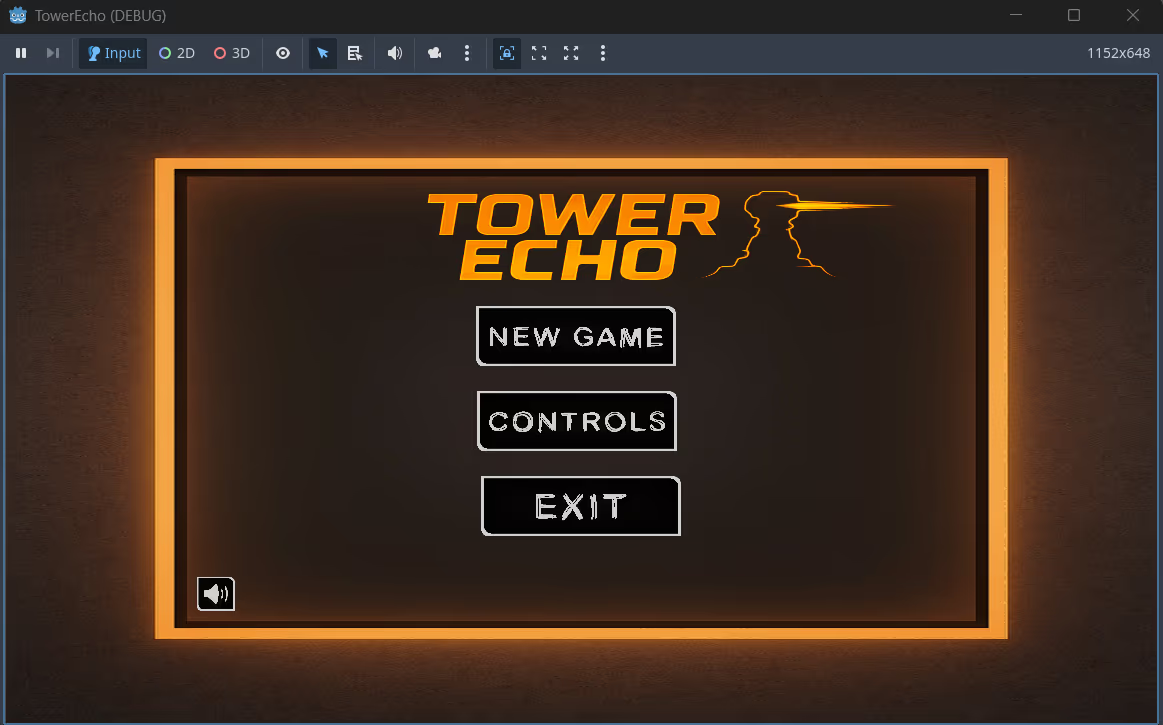
- Main Menu Flow: New Game, Controls reference, and Exit options for quick session setup.
1. Path-Based Enemy AI & Wave Management
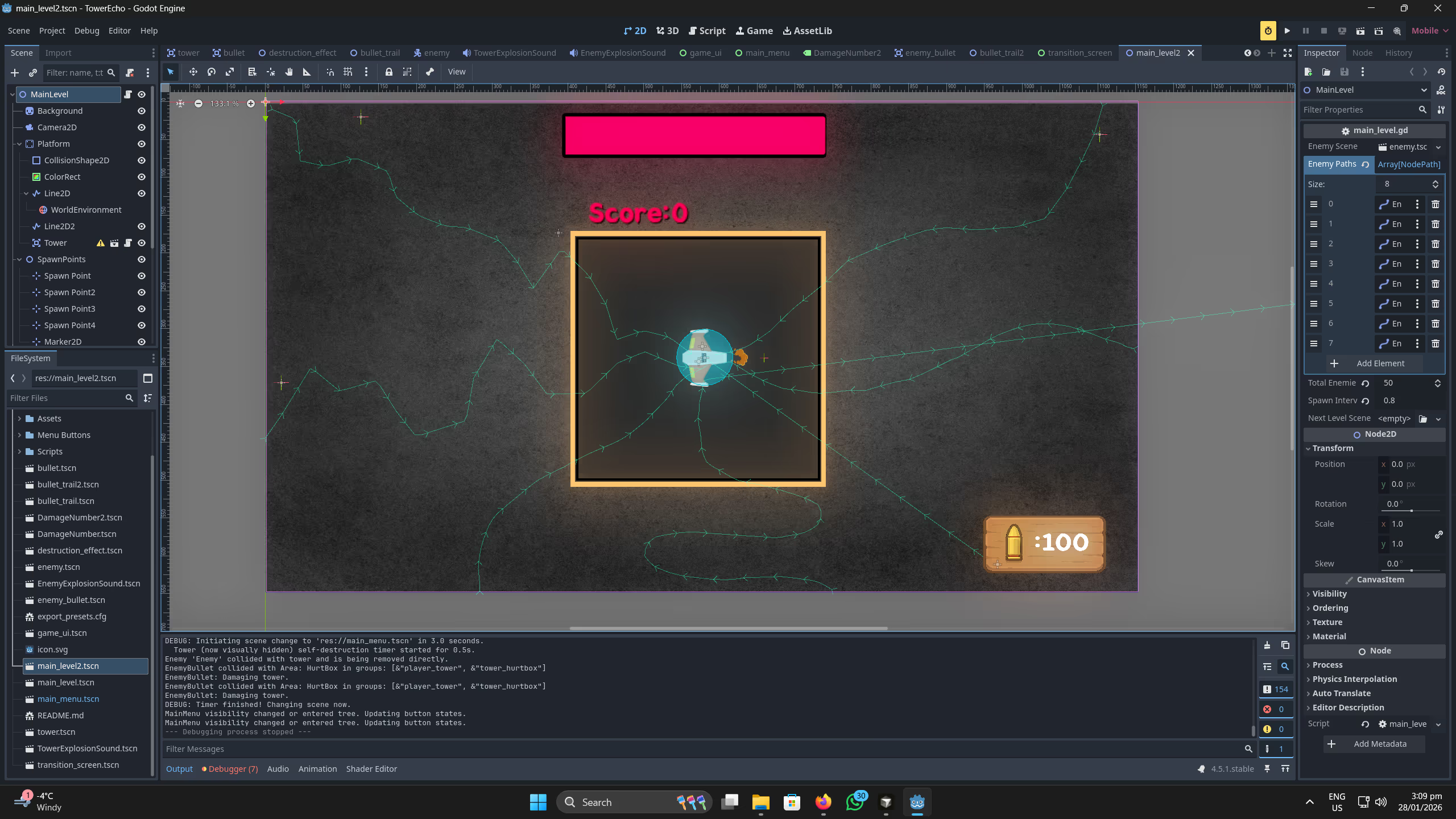
To create predictable yet challenging enemy pressure, I developed a custom wave-spawning system integrated with Godot’s pathing nodes.
Implementation: Utilized Godot’s Path2D and PathFollow2D to create dynamic routes for enemies.
Wave Manager: Built a configurable spawner that parses wave data to control enemy types, spawn rates, and difficulty scaling over time, ensuring a smooth difficulty curve.
Result: Highly modular enemy behavior that makes it easy to design new levels or modify existing paths without touching the core AI logic.
2. Global State & Save Data Architecture
A major requirement was allowing players to pause, return to the main menu, and resume their progress without losing game state or experiencing memory leaks.
Implementation: Created a robust GameSettings Autoload (Singleton) in GDScript to handle global state.
Persistence: The system tracks live data such as player health, current score, ammo count, and active wave. By decoupling this data from the level scene, the game can safely transition between scenes (like the Main Menu and the active Game level) while persisting player progress.
3. Combat Systems & Game Feel Polish
To make the moment-to-moment gameplay satisfying, I focused heavily on visual and auditory feedback.
Projectile Combat: Engineered a lightweight, physics-based projectile system for the mouse-aimed turret, optimized to handle dozens of active bullets on screen without frame drops.
Juice & Polish: Implemented multi-layered feedback systems including dynamic floating damage numbers, screen shake and hit-stop effects on impact, and particle emitters (VFX) for explosions and muzzle flashes.
UI Integration: Built a highly readable HUD that updates synchronously with gameplay events (health depletion, ammo usage) using Godot’s Signal system, ensuring decoupled and clean UI code.
Visuals
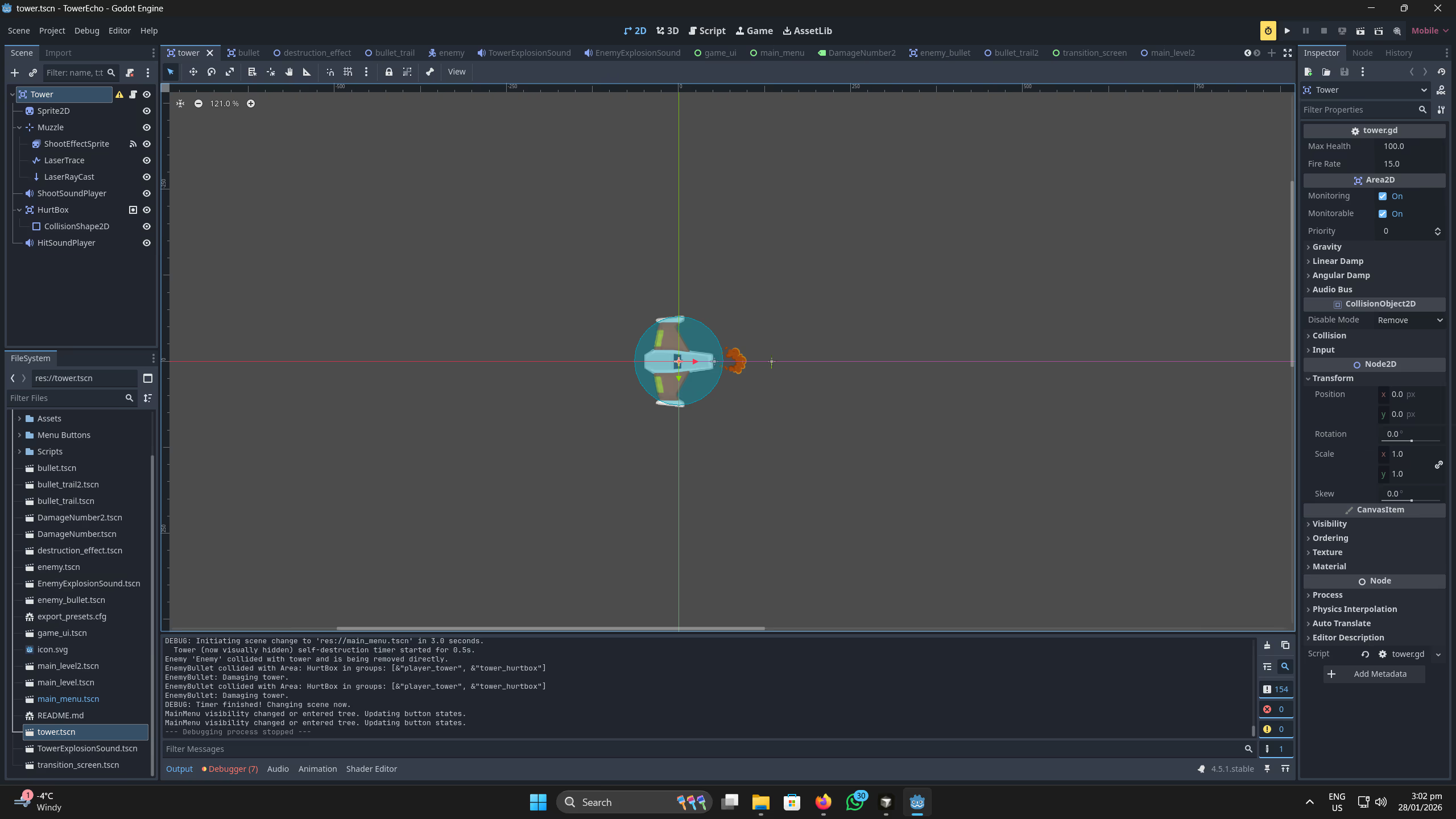
Project screenshots.
What I Learned
Building TowerEcho significantly strengthened my understanding of game architecture in Godot.
Signal-Driven Architecture: I learned the importance of decoupling systems. By using Godot’s Signals, I was able to separate UI logic from core gameplay logic, making the codebase much easier to maintain and scale.
Scope Management: As a solo developer, I had to be ruthless with scoping. I focused on making the core turret mechanic feel incredibly polished before moving on to meta-progression or extra enemy types.