Unreal Engine 5
To-Do List App
A fully functional productivity app built entirely in Unreal Engine 5. A technical showcase of advanced UI/UX, dynamic widget generation, and data-driven state management using UMG and Blueprints.
Architected solo from layout to logic: dynamic task rows, priority filtering, edit and completion flows, and Blueprint struct state that keeps UI events aligned with backend data.
To-Do List App - Demo
Project Overview
The To-Do List App is a fully functional, productivity-focused application built entirely within Unreal Engine 5. It serves as a technical showcase of advanced UI/UX principles, dynamic widget generation, and data-driven state management using UMG and Blueprints.
As the sole developer, I architected the entire user experience from the ground up, including visual layout, task data structures, dynamic list generation, and filtering systems.
Features and Implementation
Core app features and the key systems I designed and implemented as a solo developer.
App Features
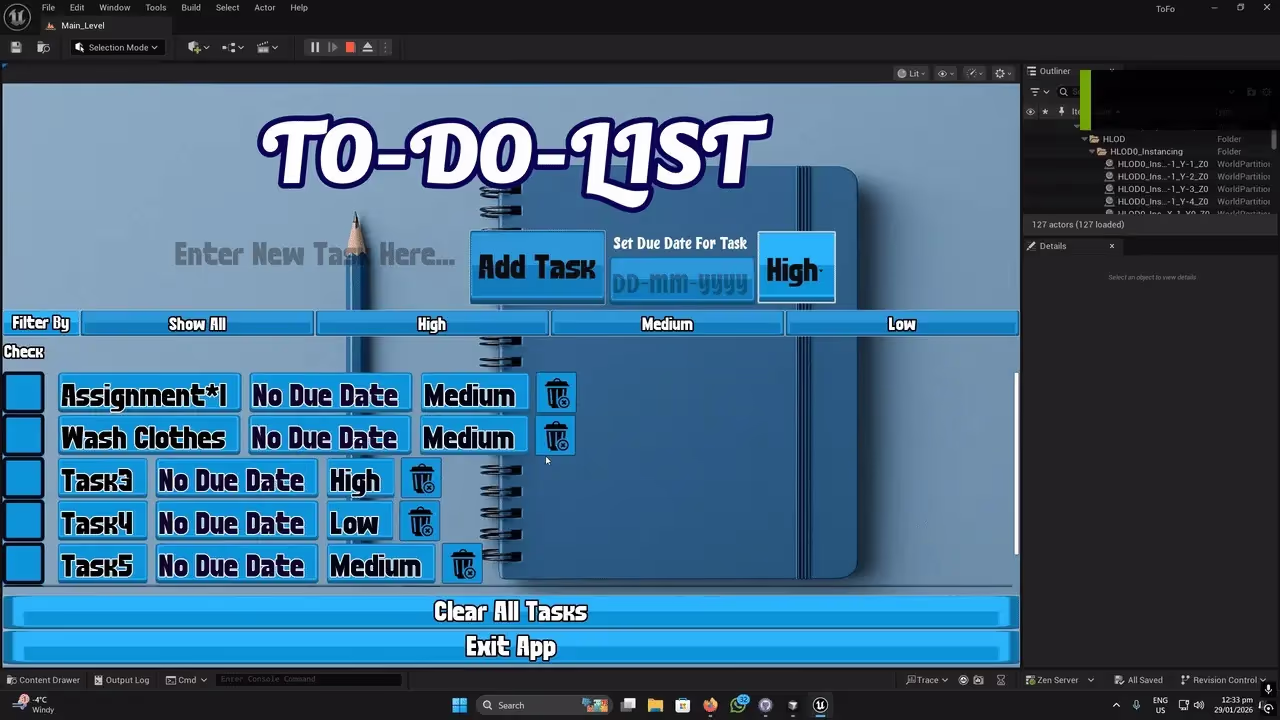
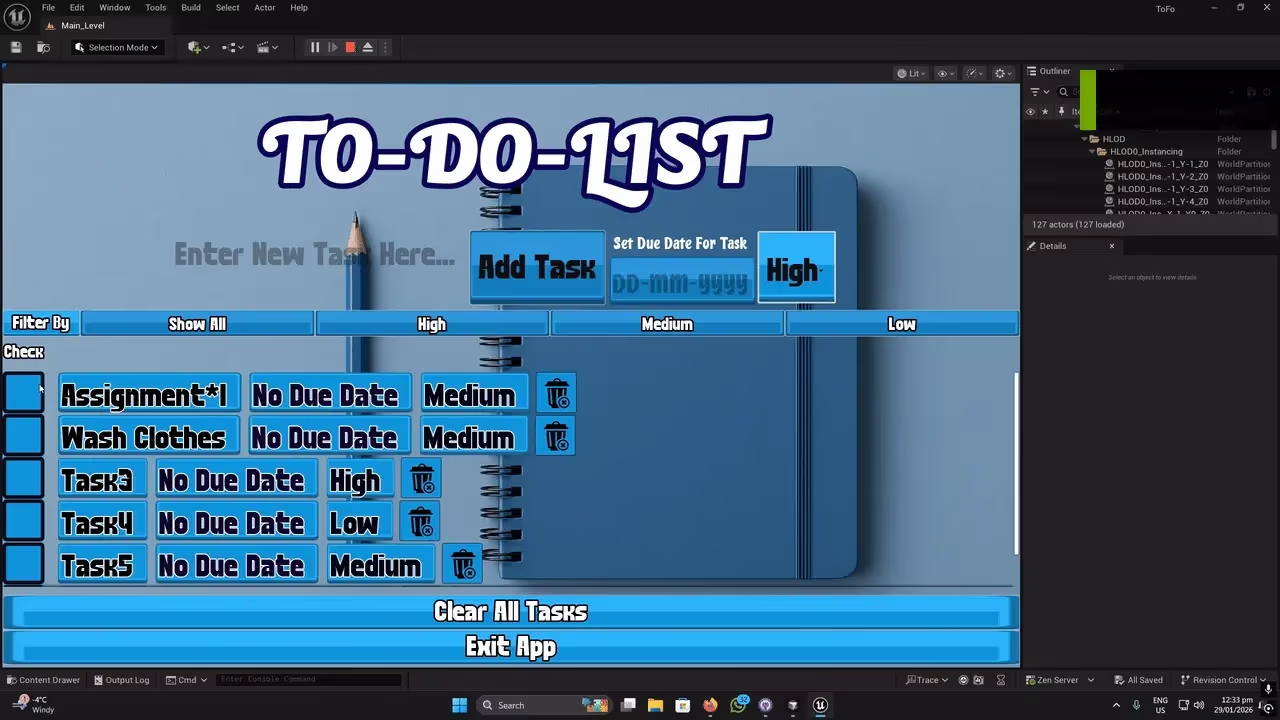
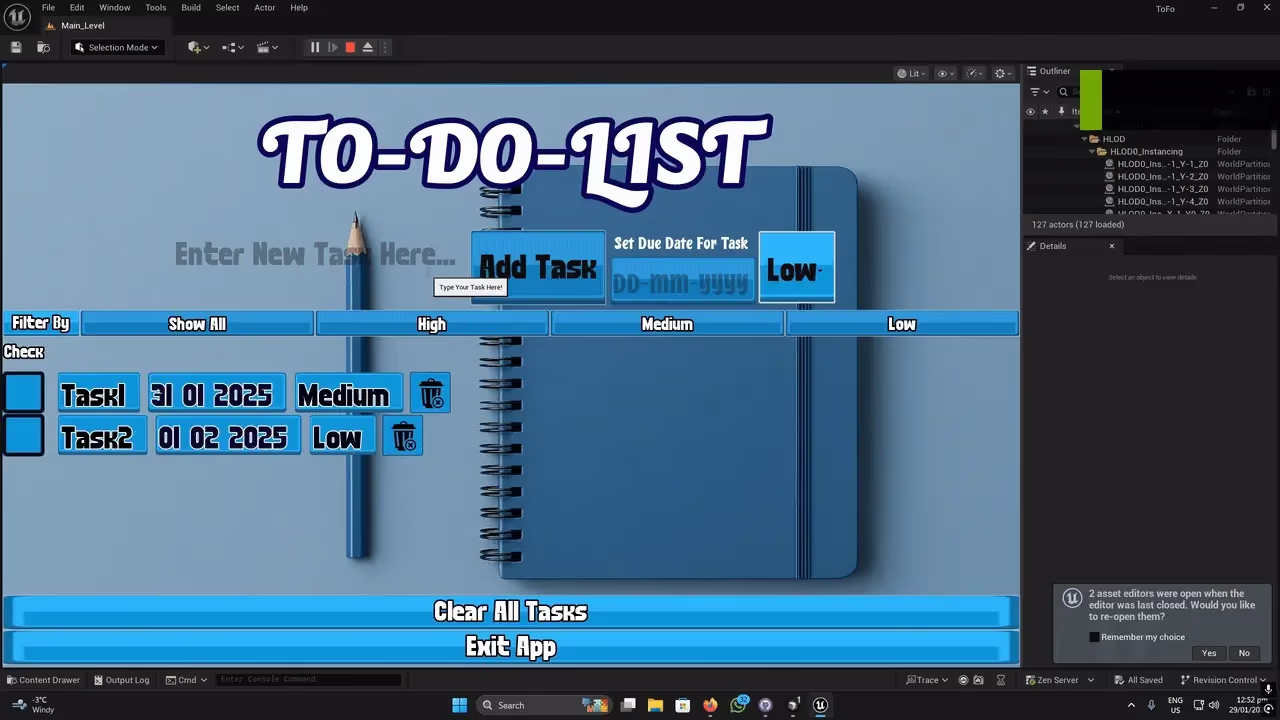
- Dynamic Task List: ScrollBox rows generated at runtime from user input instead of hardcoded UI.
- Task Creation Flow: Input fields construct a task struct and spawn a new row widget on add.
- Priority Filtering: Filter active tasks by High, Medium, or Low without rebuilding the master array.
- Completion & Editing: Checkboxes, edit flows, and delete confirmations that mirror desktop app standards.
- Struct-Based State: Custom Blueprint structs track title, priority enum, completion, and due dates.
1. Dynamic Widget Generation & ScrollBox Management
The Goal: Display a potentially infinite number of tasks without manual layout, ensuring that adding, completing, or deleting a task instantly updated the visual list.
The Approach: I created a modular WBP_TaskRow widget initialized from a Blueprint struct. When the user clicks “Add Task,” the Main UI Blueprint reads the input fields, constructs the struct, and instantiates a new row directly into the UMG ScrollBox hierarchy.
The Result: The UI stays decoupled from data. Deleting a task removes the widget child and purges its array entry, preventing memory leaks and UI clutter.
2. Real-Time Priority Filtering System
The Goal: Let users sort and view tasks by assigned priority at the click of a button.
The Approach: I maintained a single Master Task Array. On filter, Blueprint iterates with a ForEachLoop, sets matching tasks to Visible, and collapses non-matching rows.
The Result: Filtering is instantaneous because it toggles visibility on existing widgets rather than destroying and recreating them.
Visuals
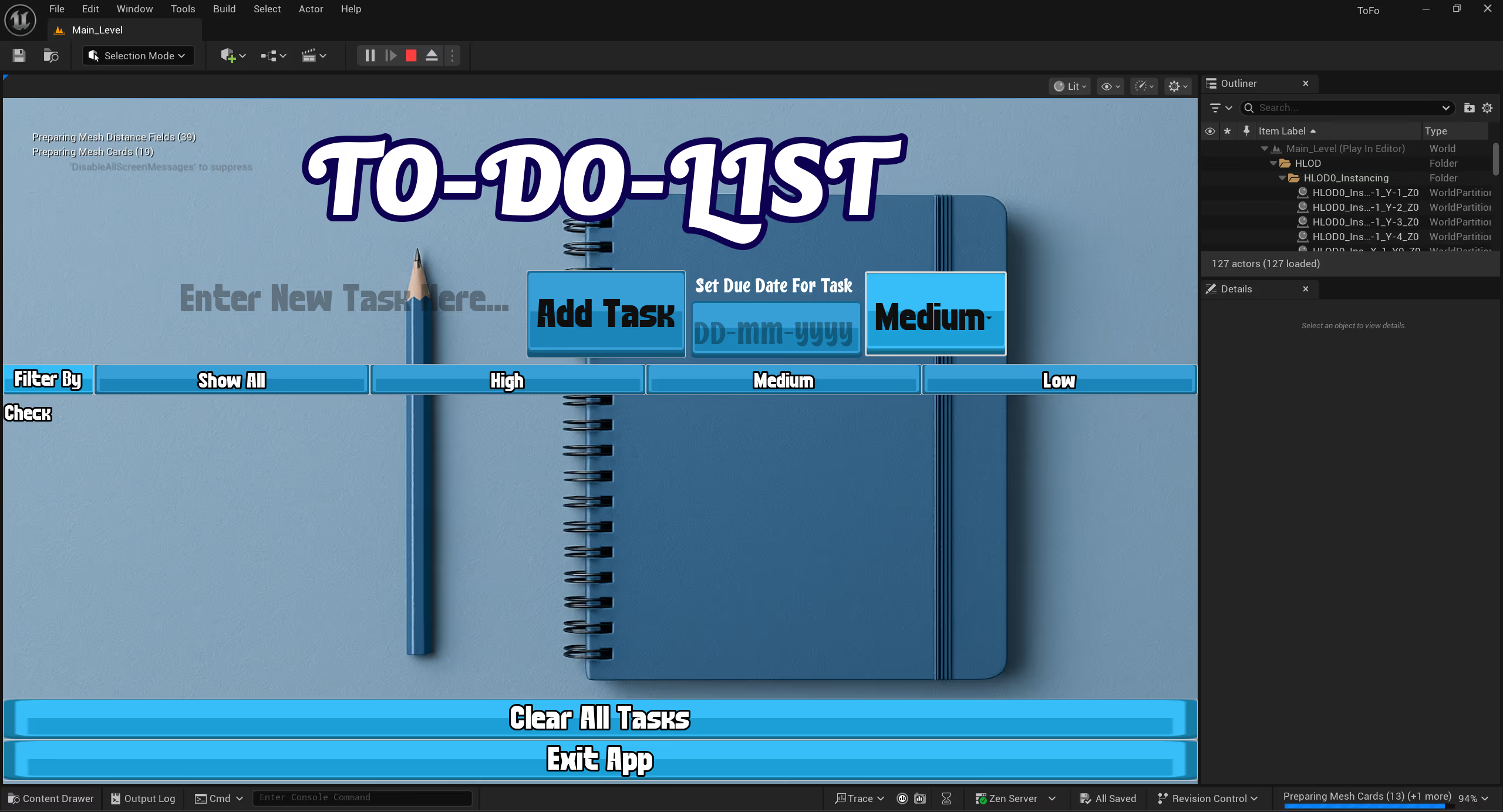
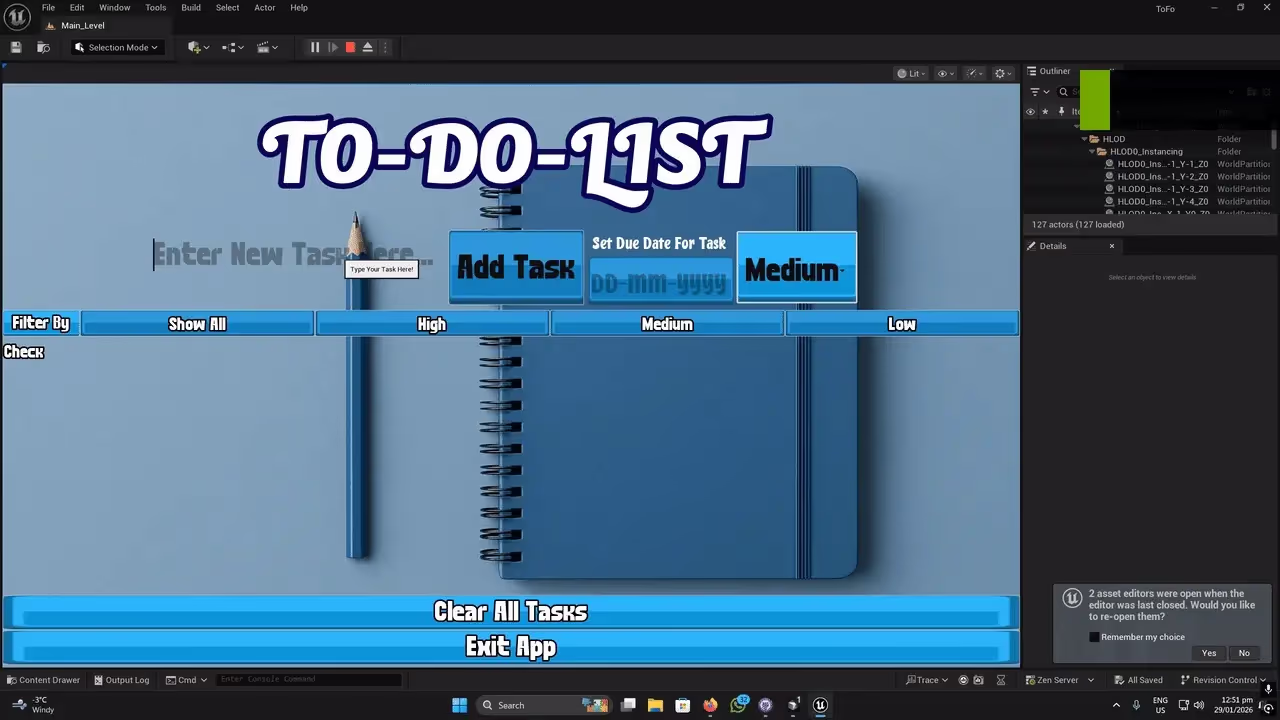
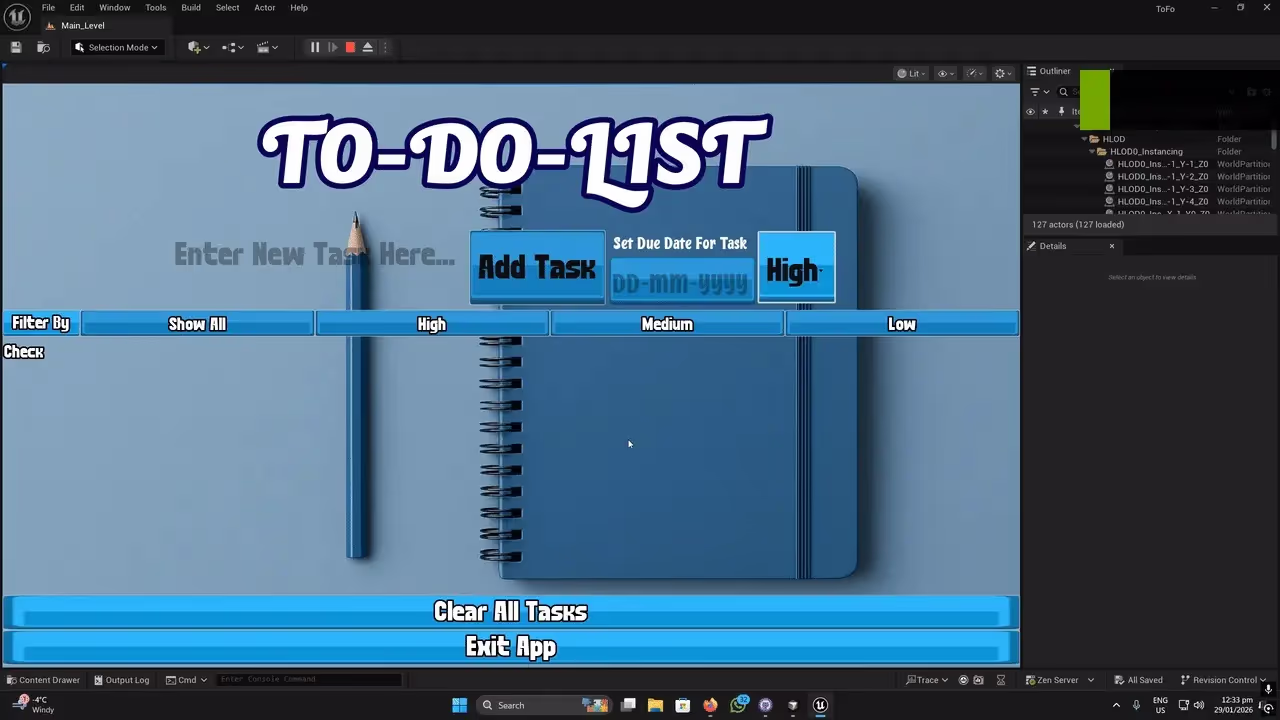
Project screenshots.
What I Learned
This project reinforced my ability to use Unreal Engine outside standard gameplay mechanics to build clean, data-driven, and highly functional user interfaces.
Struct and Array Synchronization: Early on, deleting a UI element did not properly delete the underlying data, which broke filtering. I learned to bind widget indices to array indices so UI events mirrored backend changes reliably.
UMG Layout Nuances: Building an app interface in a game engine required a deeper understanding of Canvas Panels, Size Boxes, and anchoring so the UI scaled cleanly across resolutions and aspect ratios.